

Start with the five picks and their install steps, then read the status guide before you add anything else.
Addon files change with every beta build, so check the review date at the top of each guide.
Read in this order
 01
01Guide
WoW Forever Addons: 5 Useful Picks, Where to Download Them and How to Use Them
Five addons with a stable WoW Forever file from their own developers as of October 6, 2026 — Questie, Leatrix Plus, Leatrix Maps, Auctionator and Bagnon — with the current file for each one, where to download it, how to install it and the commands to start using it.
Last checked 02
02Guide
WoW Forever Addons: Questie Status and What to Check Before You Install
Why Classic addons do not simply carry over to WoW Forever, what the base UI already replaces — including the beta Cooldown Manager — where Questie’s official Forever build stands, and how to install during an unstable beta.
Last checked 03
03Guide
WoW Forever Quest Voiceover Addons: Forever Voiceover, SpeakStone, Spoken Quests and Forever TTS Compared
Five quest voiceover addons for the WoW Forever beta compared from their CurseForge files: pre-recorded AI voice packs versus live text-to-speech, what to install, disk space, muting, and German or Korean clients.
Last checked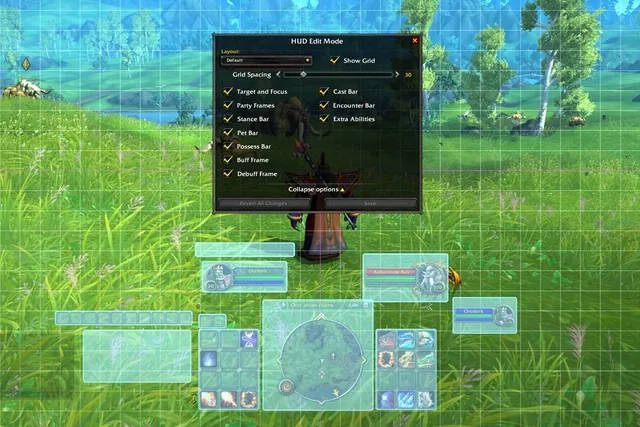 04
04Guide
WoW Forever UI Without Addons: Edit Mode, Damage Meter and Cooldown Manager Setup
How to set up WoW Forever's built-in Edit Mode, damage meter and Cooldown Manager instead of WeakAuras, Details! and Bartender4, what the Cooldown Manager supports after the October 1 beta update, how to handle threat without a meter, and which addon limits Blizzard has confirmed.
Last checked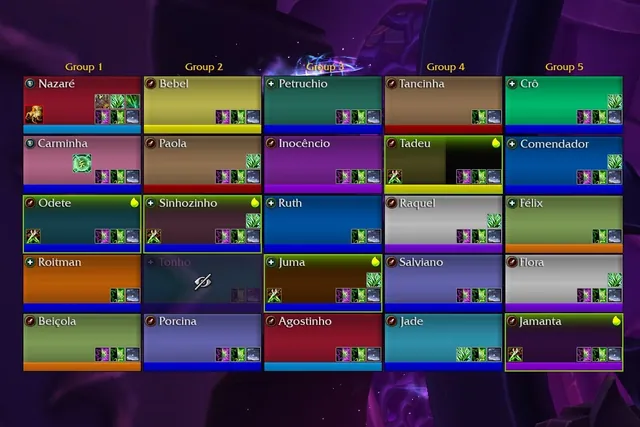 05
05Guide
WoW Forever Macros: What Blizzard Allows, How to Make One and Starter Macros by Class
How macros work in WoW Forever: what Blizzard's EULA and support pages allow, how to make and save a macro, the conditions beta players report working, and starter macros for seven classes, including the Warlock's new Banes.
Last checked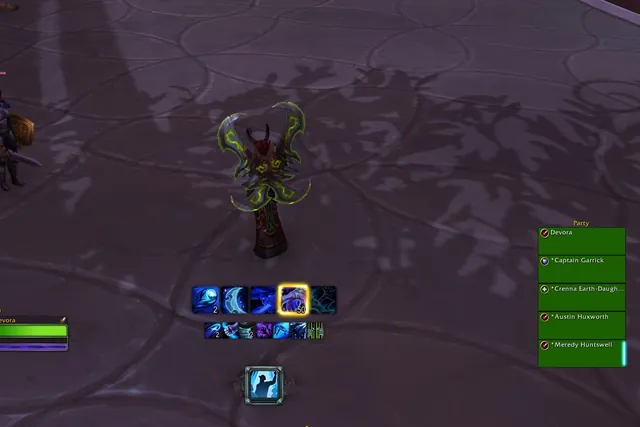 06
06Guide
WoW Forever Cooldown Manager: How to Turn It On, Supported Classes and What It Can't Track
How to turn on WoW Forever's built-in Cooldown Manager, which classes it supports since the October 8 beta update, what Blizzard says it cannot track yet, and how it compares with cooldown addons.
Last checked 07
07Guide
WoW Forever Dungeon Alert Addons: DBM, BigWigs and GTFO File Status and Setup
Deadly Boss Mods, BigWigs and GTFO in the WoW Forever beta, checked from their developers' files: which packs list Forever, what the Forever boss modules cover so far, why to run only one boss mod, and how to stop overlapping alerts.
Last checked
What to do at this step
Tick items as you go. Your ticks stay in this browser only.